How to Write LinkedIn Hooks: First Lines Before "See More"
Most people decide whether to read your LinkedIn post from its first line or two. Here is how to write openings that earn the click on "see more".
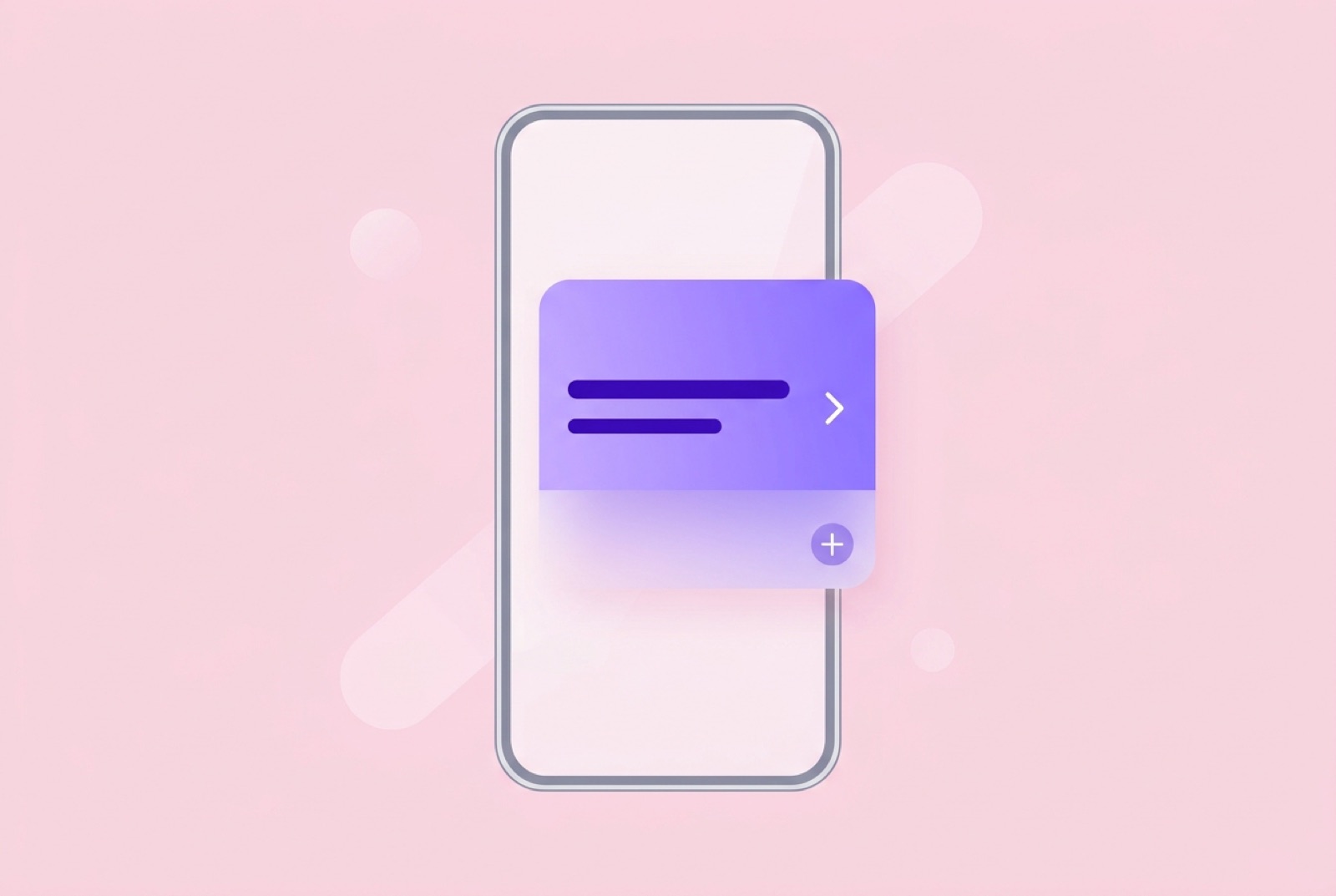
On LinkedIn, most readers see only the start of your post. The feed shows the opening lines, then cuts the rest behind a "see more" link. Whatever sits above that fold decides whether anyone reads everything else you wrote.
That makes the first line or two the most important writing in the whole post. This guide covers how the fold works, what makes an opening worth expanding, and a set of before-and-after examples.
How the "see more" fold works
LinkedIn does not publish an exact character count for where posts get truncated, and it is not a single fixed number. The cutoff depends on the device, the screen width, and how your text is broken into lines.
Ordinal's breakdown of LinkedIn's limits puts the fold at roughly 140 characters on mobile and about 210 on desktop, and notes that both are approximate. It also points out that LinkedIn truncates by lines as well as characters, so short lines and blank lines push the fold earlier than the raw count suggests.
The practical takeaway is simpler than any number:
- Assume you have one or two short lines. Write as if only the first sentence is guaranteed to be seen.
- Put the payoff early. Whatever makes the post interesting should appear before any line break.
- Preview on your phone. Mobile usually shows the least, so check there before you post.
The full post can still run long. LinkedIn's help center says posts can contain up to 3,000 characters. The opening just has to earn the rest.
What a good opening does
A strong first line usually does one of these things:
- Names a specific situation the reader recognizes.
- States a surprising result or a claim they want to check.
- Opens a gap between what they expect and what happened.
- Makes a clear promise about what they will get by reading on.
What it does not do: warm up, introduce yourself, or announce that you are about to share something.
Patterns that work
The specific number
Concrete numbers stand out in a feed full of generalities. Use real ones from your own work, never made-up figures.
We cut our onboarding from 9 steps to 4. Activation didn't move at all.
The second sentence is doing the work: it sets up a mystery.
The mistake
Admitting something went wrong is disarming and useful.
I spent three months building a feature nobody had asked for.
The before and after
Show the contrast in one line.
Last year I answered every support ticket myself. This year I answer almost none, and customers are happier.
The direct claim
State an opinion plainly. It should be something you can back up in the post.
Most early-stage pricing pages have too many plans.
The scene
Drop the reader into a moment.
A customer called me at 7am to tell me our product had saved her a day of work.
The useful promise
Tell them exactly what they will get.
Here's the five-question checklist I use before shipping any new feature.
Mistakes that waste the fold
The warm-up. "I've been thinking a lot lately about something..." spends the most valuable space saying nothing.
The announcement of an announcement. "Excited to share some news!" tells the reader there is news without giving it.
The vague question. "Have you ever wondered about productivity?" is too broad to answer and too familiar to notice.
Line breaks too early. Splitting a single thought into three one-word lines can push the actual point below the fold.
Front-loaded hashtags or tags. Starting with a string of hashtags or mentions uses the visible space on things that are not your message.
A first line that needs the second. If the opening only makes sense with context, the reader will not have that context.
Before and after
Here are some weak openings and rewrites. All examples are invented for illustration.
Before: "Excited to announce that we've launched a new feature!" After: "Our users can now schedule invoices to send on Monday morning. Here's the support email that made us build it."
Before: "I wanted to share some thoughts on hiring." After: "Our first hire was the wrong person, and it was entirely my fault."
Before: "Building a startup is hard. Here are some lessons." After: "I raised prices 40% and lost two customers. Here's what happened with the rest."
Before: "Have you ever struggled with remote work?" After: "We dropped our daily standup. Three months later, nobody wants it back."
Before: "Let me tell you a story about a customer." After: "A customer canceled, then sent us the most useful email we've ever received."
Notice what changed in each. The rewrites are more specific, they get to the point in the first sentence, and they leave an obvious question the rest of the post answers.
Make sure the post delivers
A hook is a promise. If the first line says "here's what happened" and the post wanders into generic advice, readers notice, and they are less likely to expand your next post.
A simple check: read your opening, then read your last paragraph. Does the ending actually pay off what the opening set up? If not, rewrite one of them.
A quick editing routine
When you finish a draft:
- Write three alternate first lines. Your first instinct is rarely your best.
- Cut the first sentence. Often the second sentence is the real opening.
- Read only the first line. Would you tap "see more" on a stranger's post that started this way?
- Count before the first break. Keep the core idea before any line break, and preview it on a phone.
PostFounder shows a live character count as you write for LinkedIn and X, which makes it easy to keep an eye on how long your opening is getting before you hit the first line break.
Opening lines for X
If you also post the same story on X, the opening matters there too. The first post of a thread is what people see in the feed. The same principles apply: be specific, put the payoff first, and make it stand on its own. A good LinkedIn hook often works as the first post of an X thread with only light trimming.
Start with your next post
You do not need a swipe file of templates. Take the post you are about to publish, cut the warm-up, and move the most specific sentence to the top. That one change does more than any formula.
If you want to draft, check length, and schedule for both networks in one place, PostFounder has a free plan.
Questions
How many characters show before "see more" on LinkedIn?+
LinkedIn does not publish a fixed number, and it varies by device and line breaks. Third-party estimates put it around 140 characters on mobile and 210 on desktop, so plan for one or two short lines.
Should my first line be a question?+
Only if it is specific. A narrow question the reader can answer works; a broad one like "Have you ever wondered..." usually gets scrolled past.
Do line breaks hurt my opening?+
They can. LinkedIn truncates by lines as well as characters, so several short lines can push your main point below the fold. Keep the core idea before the first break.
Sources
Schedule LinkedIn and X posts together.
Write once, fit it to each network, and plan the week on one calendar. Free plan, or Pro for $4.99 a month.
Get started for free